How to Transcribe Research Interviews for Your Thesis
You've conducted 15 interviews for your thesis. Each one is 45-60 minutes long. Now you need to turn those recordings into transcripts your supervisor can review and you can code for themes. Here's how to do it without losing your mind or your budget.
The transcription bottleneck in qualitative research
Manual transcription takes roughly 4-6 hours per hour of audio. For 15 one-hour interviews, that's 60-90 hours of typing. Most graduate students discover this reality too late in their timeline, right when they should be analyzing data, not still processing it.
Subscription services like Otter.ai ($19.99/month) work if you transcribe regularly, but research interviews tend to come in bursts. You conduct all your interviews over 2-3 weeks, transcribe them, and then don't need transcription again until your next study. Paying for months you don't use is wasteful on a student budget.
Verbatim vs. clean transcription: which does your methodology require?
Before you start, check your methodology chapter. Different approaches require different levels of detail:
- True verbatim: Every "um," "uh," false start, and repetition is included. Required for conversation analysis or discourse analysis.
- Clean verbatim: Filler words removed, grammar lightly cleaned up, but meaning preserved. Most common for thematic analysis and grounded theory.
- Intelligent verbatim: Summarized and restructured for clarity. Rarely used in academic research.
AI transcription gives you something close to clean verbatim by default. It captures what was said accurately but naturally smooths out some filler words. For most qualitative research, this is exactly what you need. If your methodology requires true verbatim, you'll need to do a pass against the audio to add back fillers.
Step-by-step: transcribing your interviews
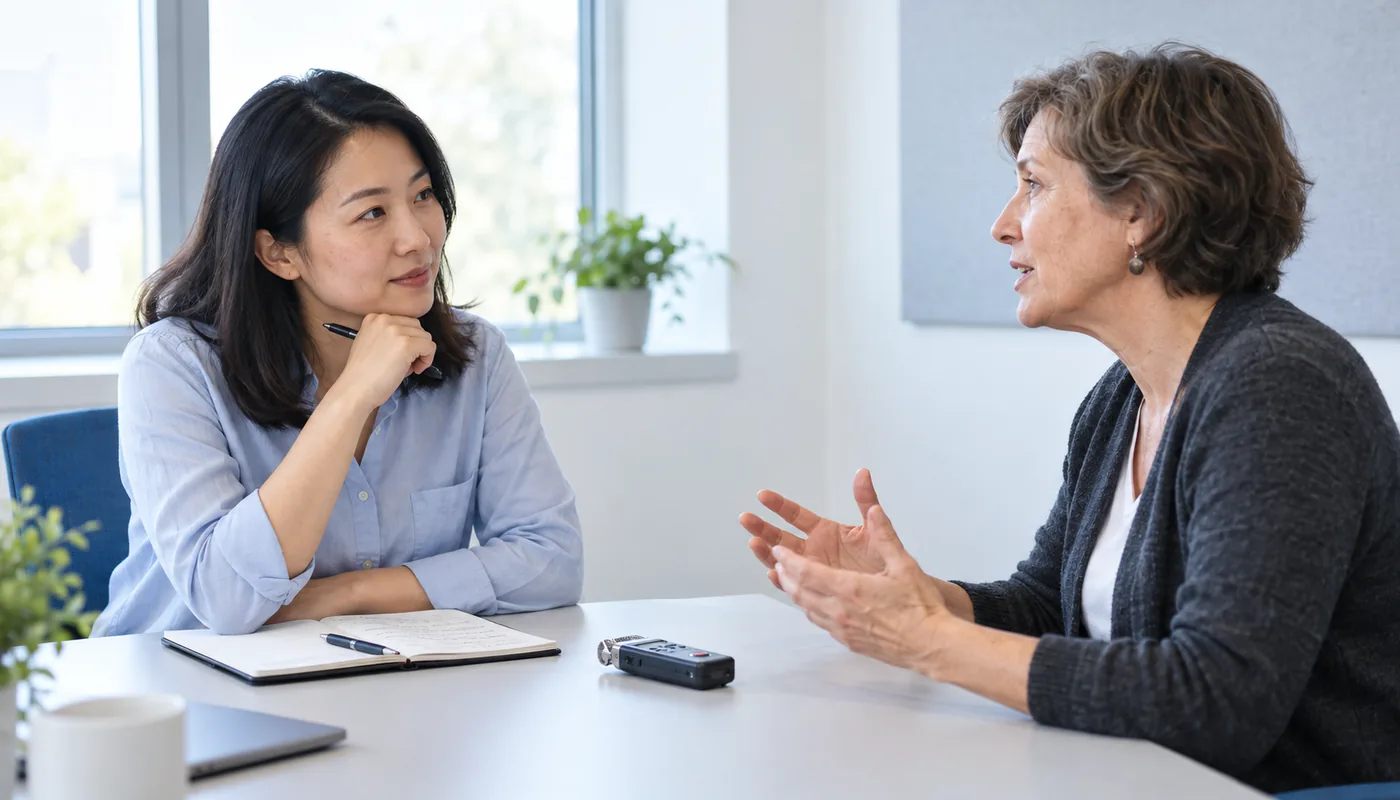
- 1. Record properly.Use a dedicated recorder or your phone placed between you and the participant. Record in a quiet room. Save as MP3, M4A, or WAV. Label files with participant codes right away (e.g., "P01_Interview.m4a").
- 2. Upload to TranscribeCat. Go to transcribecat.com/upload and drag in your file. You can upload up to 10 files at once if you want to batch-process interviews.
- 3. Select the language. If your interviews are in a language other than English, select it from the dropdown. TranscribeCat supports 90+ languages at the same price.
- 4. Pay and wait. At $2 per hour, a 45-minute interview costs $2 (minimum charge). Most interviews are transcribed in 3-5 minutes.
- 5. Review with speaker labels. The transcript shows Speaker 1 (you) and Speaker 2 (the participant) with timestamps. Download as text, subtitles, or Word.
How speaker labels map to participant codes
TranscribeCat automatically detects different speakers and labels them Speaker 1, Speaker 2, etc. In your transcript, this directly maps to your research roles:
- Speaker 1 is typically you (the interviewer/researcher)
- Speaker 2 is your participant
When you download the transcript, you can find-and-replace "Speaker 1" with "Researcher" and "Speaker 2" with your participant code (P01, P02, etc.) in seconds.
Cost for a typical thesis project:
- 15 interviews × 1 hour each = 15 hours of audio
- TranscribeCat: $30 total (one-time, no subscription)
- Otter.ai: $19.99/month × 2 months = $40 (subscription)
- Rev (human): $1.50/min × 900 min = $1,350
Formatting transcripts for your thesis
Most thesis guidelines require transcripts in the appendix. Download the Word format for easy formatting, then:
- Replace speaker labels with participant codes
- Add line numbers if your institution requires them
- Note any sections that were inaudible with [inaudible] markers
- Include timestamps at regular intervals so your examiner can cross-reference the audio
Tips for recording better research interviews
- Use an external microphone. A $20 lapel mic dramatically improves audio quality over your phone's built-in mic.
- Record in a quiet, enclosed space. Cafes and open-plan offices produce background noise that degrades transcription accuracy. A small meeting room or office is ideal.
- Place the recorder between speakers. Equal distance from both voices gives the best speaker separation.
- Do a 30-second test recording. Play it back before starting the real interview to catch problems early.
- Get consent on record. Start the recording, state the date and participant code, confirm consent verbally. This also helps you identify files later.
Bottom line
Research transcription is a burst activity — you need it intensely for a few weeks, then not at all. Pay-per-use at $2 per hour is the most cost-effective approach for students and researchers. You get AI transcription with speaker labels and timestamps, download in multiple formats, and never worry about cancelling a subscription you forgot about.
Related posts
How to Transcribe Lecture Recordings (Student Guide)
Turn hours of lecture recordings into searchable study notes
The Cheapest Way to Transcribe Audio Files in 2026
Pricing comparison across 10+ transcription services
Transcribing Audio in Any Language
Multilingual transcription for international research
No subscription required